A study guide in plain words
The big picture first, then key terms, main ideas and comparison tables. The most important words are highlighted the way a good student would, and a Listen button reads it out loud.
Snap the handout, upload the slides, or paste the teacher’s study guide. TestFromNotes turns your kid’s own class materials into a study guide, flashcards and practice quizzes, and shows you how they’re doing.
14 days free, then $9 a month. Cancel any time.
Photos of handwritten notes, PDFs, Word documents, PowerPoint slides, or text pasted from the class website. Organize them by class and unit.
A study guide with key terms highlighted, flashcards, multiple-choice questions and short-answer questions, all written from those notes at your kid’s grade level.
Cards they miss come back sooner. Quizzes explain every answer. Before a test, one tap runs a practice test across the whole unit.
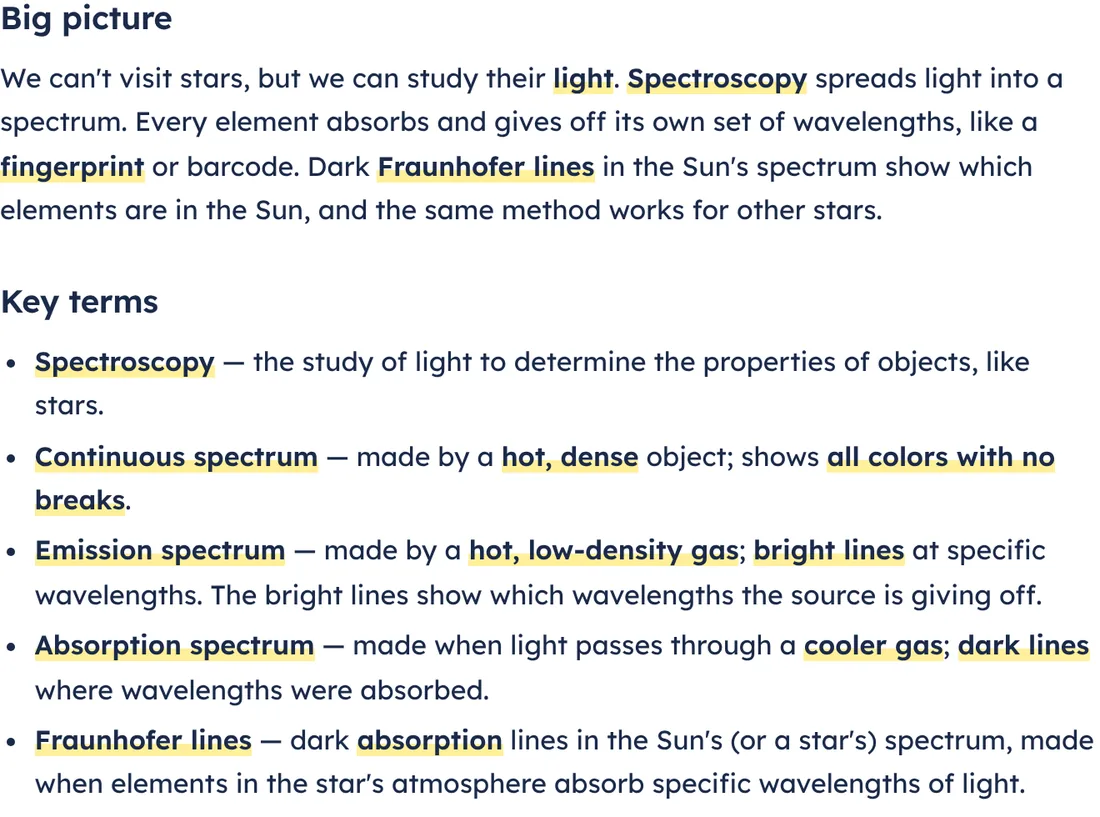
The big picture first, then key terms, main ideas and comparison tables. The most important words are highlighted the way a good student would, and a Listen button reads it out loud.
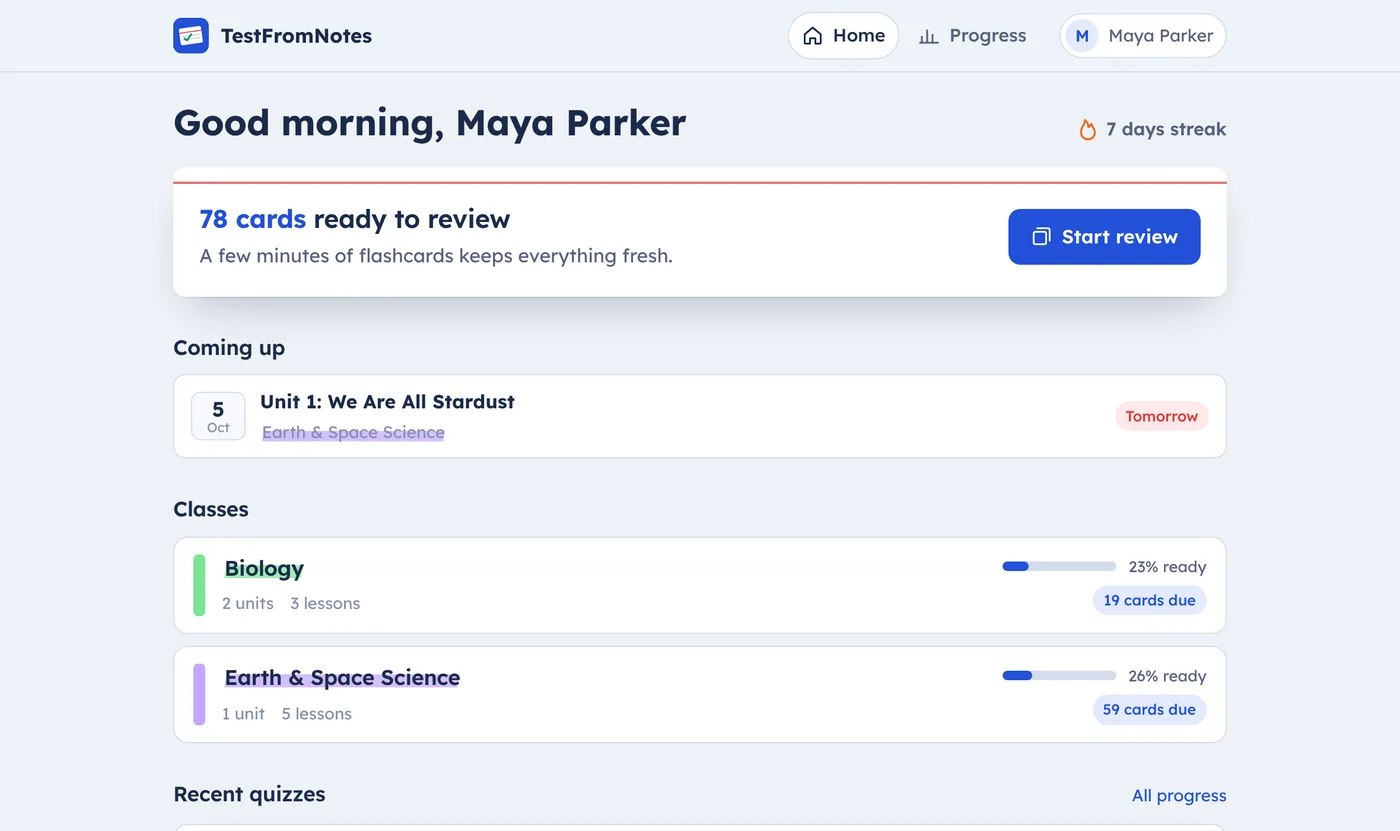
Each card asks “Got it” or “Not yet.” Missed cards come back the next day; known cards wait longer. The home screen says how many cards are due, so ten minutes after dinner actually gets done.
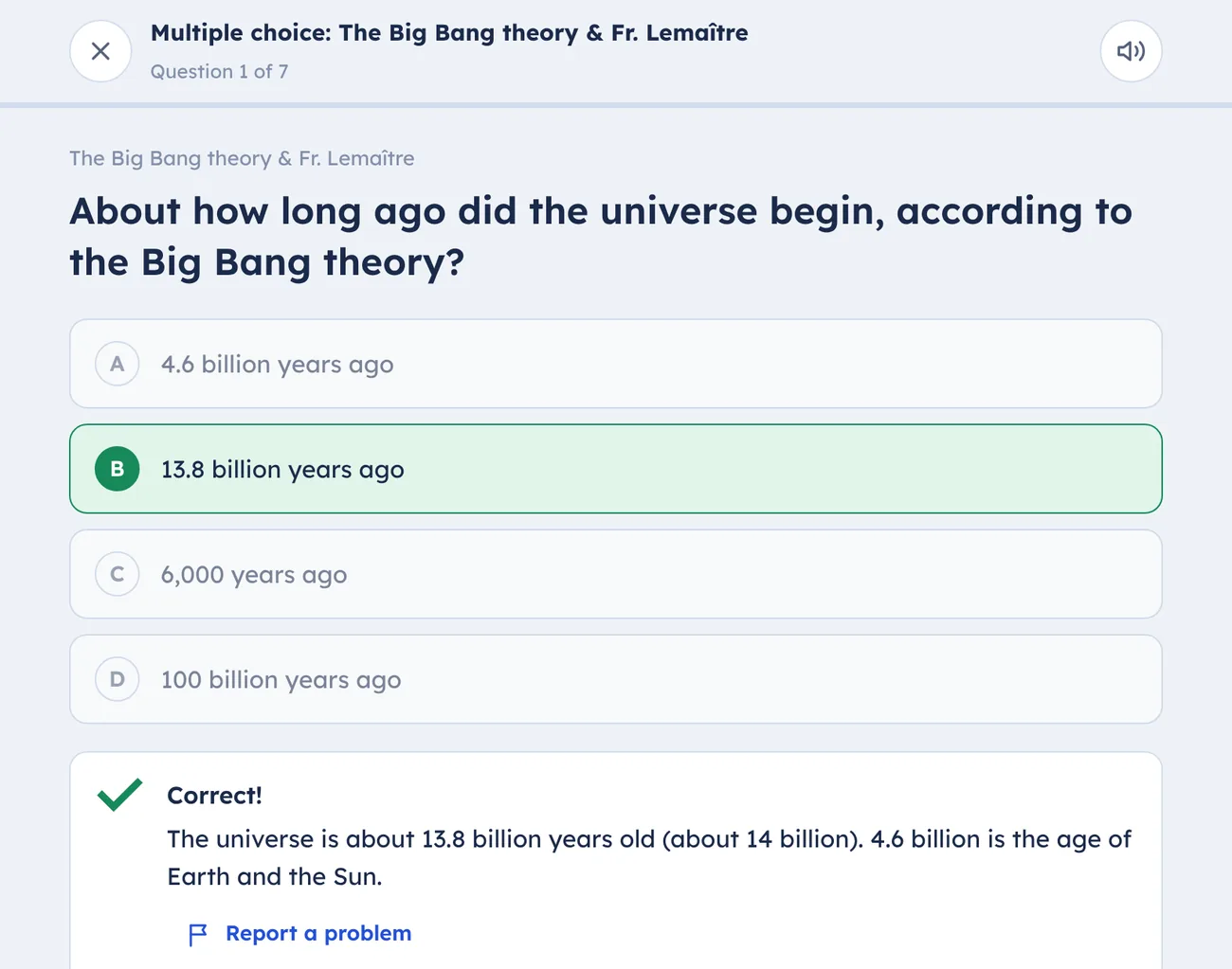
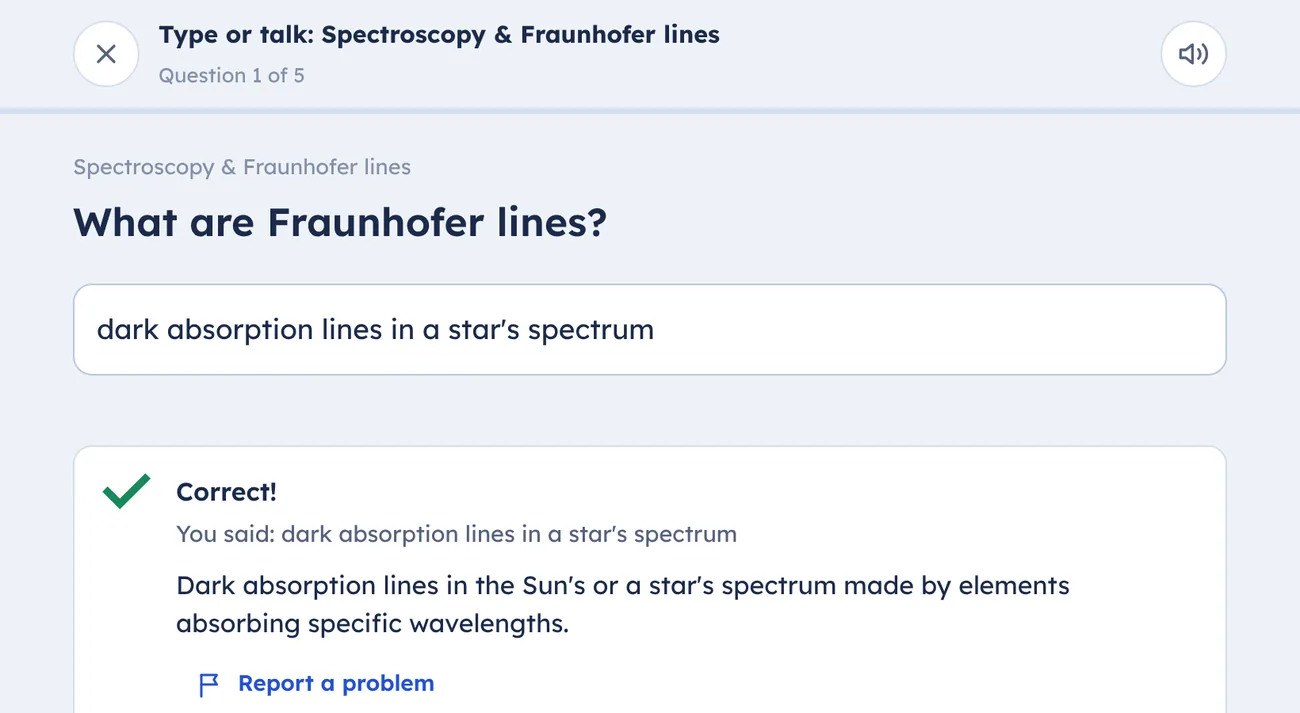
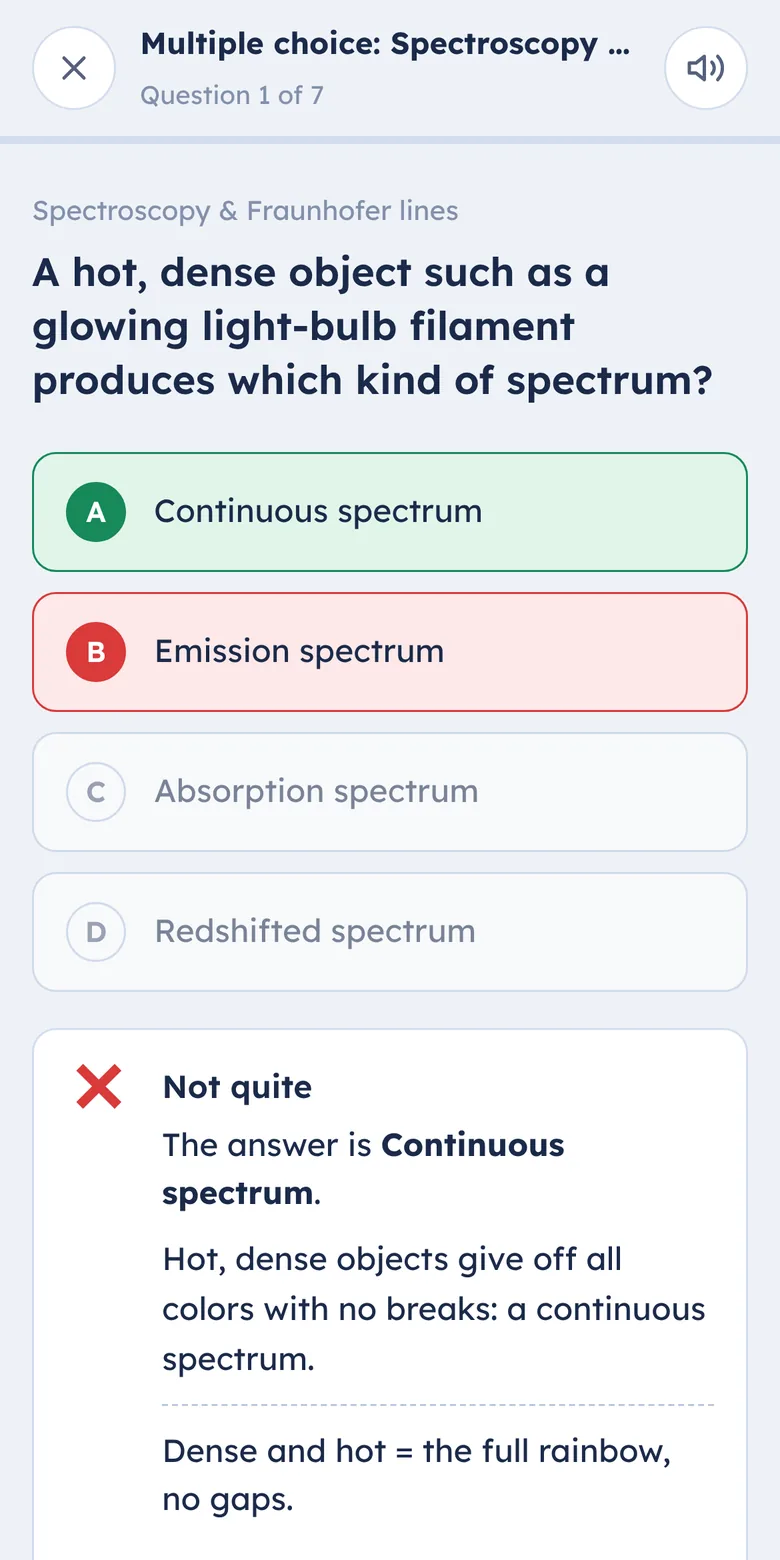
Multiple choice for quick checks and short answer for real recall. Kids can type or say their answer, and close-enough wording counts. Every question explains the right answer, and a “Fix my mistakes” round brings back only the ones they missed.
Missed a question? “Explain it differently” gives another way to think about it. And an AI tutor answers their questions about the lesson, using the class’s own notes, at their grade level.
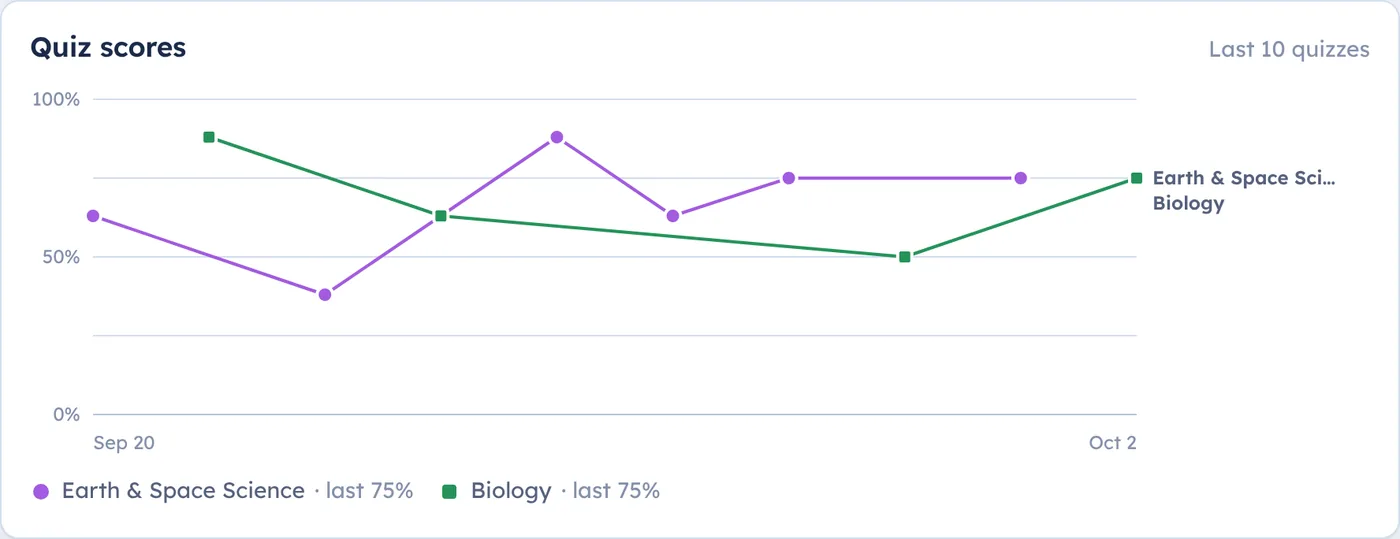
Your parent login shows quiz scores over time for each class, which questions get missed most, how ready each unit is, and when the next test is. No more asking “did you study?”
$9 a month
14 days free. Card needed to start; you won’t be charged until the trial ends.
If a month’s AI runs out, flashcards and quizzes keep working. AI picks up again on the 1st, or you can add more.
It’s built for middle and high school, and works from 3rd grade through college. You set each kid’s grade, and the study guides and explanations are written at that level.
PDFs, Word documents, PowerPoint slides, photos of handwritten notes or worksheets, and text you paste in. A lesson can have several files.
No. AI is included in the plan. If you already pay for your own ChatGPT or Claude API key, you can use it instead in your settings.
Everything is written from your kid’s own class materials, so it matches what the teacher covered. AI can still get something wrong, so every card and question has a “Report a problem” button, and reports show up on your parent page.
All of them. Add a login for each kid; their progress stays separate.
Each family has its own site and its own separate data. Kids sign in with a username, not an email. We don’t show ads or sell data, and the AI services we use don’t train their models on your notes. Privacy policy
From your site: Manage, then Billing. Your site stays open until the end of the period you’ve paid for, and you can download your classes first.
Set up your family’s site in about five minutes and have the first class ready tonight.
Start your free trial